Film, photography and social content: planning one campaign across formats
A campaign can share one creative idea while requiring several production approaches. A film needs movement and progression; a still must communicate in one frame; a short social asset may need to make its point immediately. Planning them together starts with deciding what each asset must achieve.
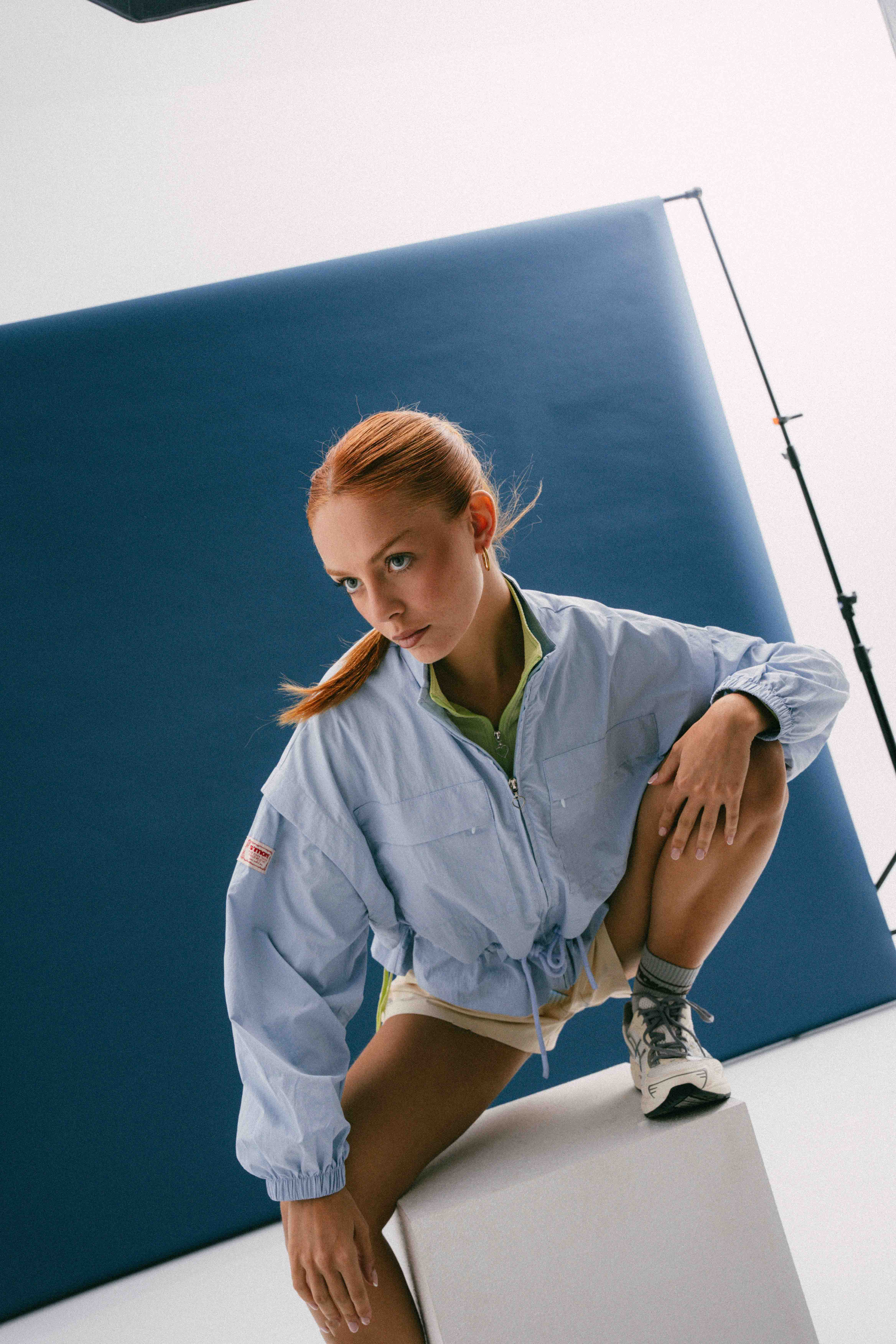
S’MORE launch campaign. Production: PHOCUS Creators. Director: Carles Mas. View the project and credits.
Build an asset matrix around use
Create one row per required asset, not one row per platform. Record audience, message, placement, orientation, duration where relevant, language, deadline and approver. Include the intended action: learning about a product, exploring a collection or contacting the brand. Confirm current delivery specifications with the publishing team before export.
An illustrative launch package might include a hero film, individual feature clips, product stills and portrait crops for social. It is a useful starting point for a conversation, not a recommended quantity for every campaign. Remove assets that have no clear placement or owner.
Decide what can genuinely share a setup
A lighting setup may support both moving image and photography, but the requirements still need to be tested. Consider product detail, shutter and movement choices, talent timing and how much retouching a still will need. Discuss whether photography happens alongside filming or in dedicated time.
Do not assume a frame grab replaces commissioned photography. Check the intended image size, focus, expression, motion blur and licensing arrangements. Frame extraction can be useful when planned for the final use; the decision belongs in pre-production, not in a last-minute request after the shoot.
Plan the vertical story, not only the crop
Show framing guides during preparation and identify shots that need different composition. A product and face that work at opposite sides of a landscape frame may not survive a vertical crop. Allow room for intended copy and publishing interfaces, checking the actual placement requirements.
Some adaptations can reuse the same edit structure. Others need a different first shot, closer product view or simplified ending. Mark these differences in the asset matrix so the crew captures the required alternatives instead of hoping post-production can invent missing coverage.
Use the shot list to protect the priorities
Assign each planned setup to the assets it supports. Mark essential coverage, useful alternatives and optional experiments. If the day changes, the producer and director can protect the most valuable deliverables together. Avoid a list in which every shot appears equally urgent.
For a product launch, that may mean securing the approved hero product view and key feature demonstration before experimenting with transitions. For a fashion campaign, it may mean protecting specific looks and movements. These are planning examples, not descriptions of how a particular PHOCUS project was shot.
Keep the approval process connected
Choose who signs off the shared visual direction and who approves individual versions. Review a representative edit and still treatment before applying the same approach everywhere. Consolidate feedback so one team does not ask for a change that contradicts another approved asset.
At handover, use an asset list that maps filenames to placements, languages and approval status. Distinguish final masters from work in progress. A shared folder is helpful only when the person publishing can identify the correct file.
Discuss a combined campaign with PHOCUS
The S’MORE launch project is part of the PHOCUS portfolio and includes film and photography categories. Browse the work as a creative reference, then use our brief checklist to define your own requirements. Send us the campaign idea and proposed asset list to discuss the production scope.